with adoc.LockDocument():
  with adoc.Database as db:
    with db.TransactionManager.StartTransaction() as t:
      bt = t.GetObject(db.BlockTableId, OpenMode.ForWrite)
      btr = t.GetObject(bt[BlockTableRecord.ModelSpace], OpenMode.ForWrite)

      #Get the dict object and layouts object
      Dict = t.GetObject(db.NamedObjectsDictionaryId, OpenMode.ForWrite)
      obj = t.GetObject(Dict.GetAt('ACAD_LAYOUT'),  OpenMode.ForWrite);
      obj2 = t.GetObject(Dict['ACAD_LAYOUT'],  OpenMode.ForWrite);

      #Get the layout
      layout1 = t.GetObject(obj["01"], OpenMode.ForRead)

      #Get viewports
      vps = layout1.GetViewports()

      #Setting the viewport
      vp1 = t.GetObject(vps[1], OpenMode.ForWrite)
      vp2 = t.GetObject(vps[2], OpenMode.ForWrite)
      vp1.Ucs = vp2.Ucs
      vp1.CustomScale = vp2.CustomScale
      vp1.ViewCenter = vp2.ViewCenter
      vp1.ViewTarget = vp2.ViewTarget
      vp1.ViewDirection = vp2.ViewDirection
      vp1.TwistAngle = vp2.TwistAngle


      vp1.UpdateDisplay()
      t.Commit()
Meaning of the Viewport Properties
| Properties | Meaning |
|---|---|
| ViewCenter | the view center of the view in the viewport |
| ViewTarget | location of the model space in the viewport |
| ViewDirection | the vector from the target to the camera of the view in the viewport |
| CenterPoint | the centerpoint of viewport in paperspace |
Application
So what can we do with this function?
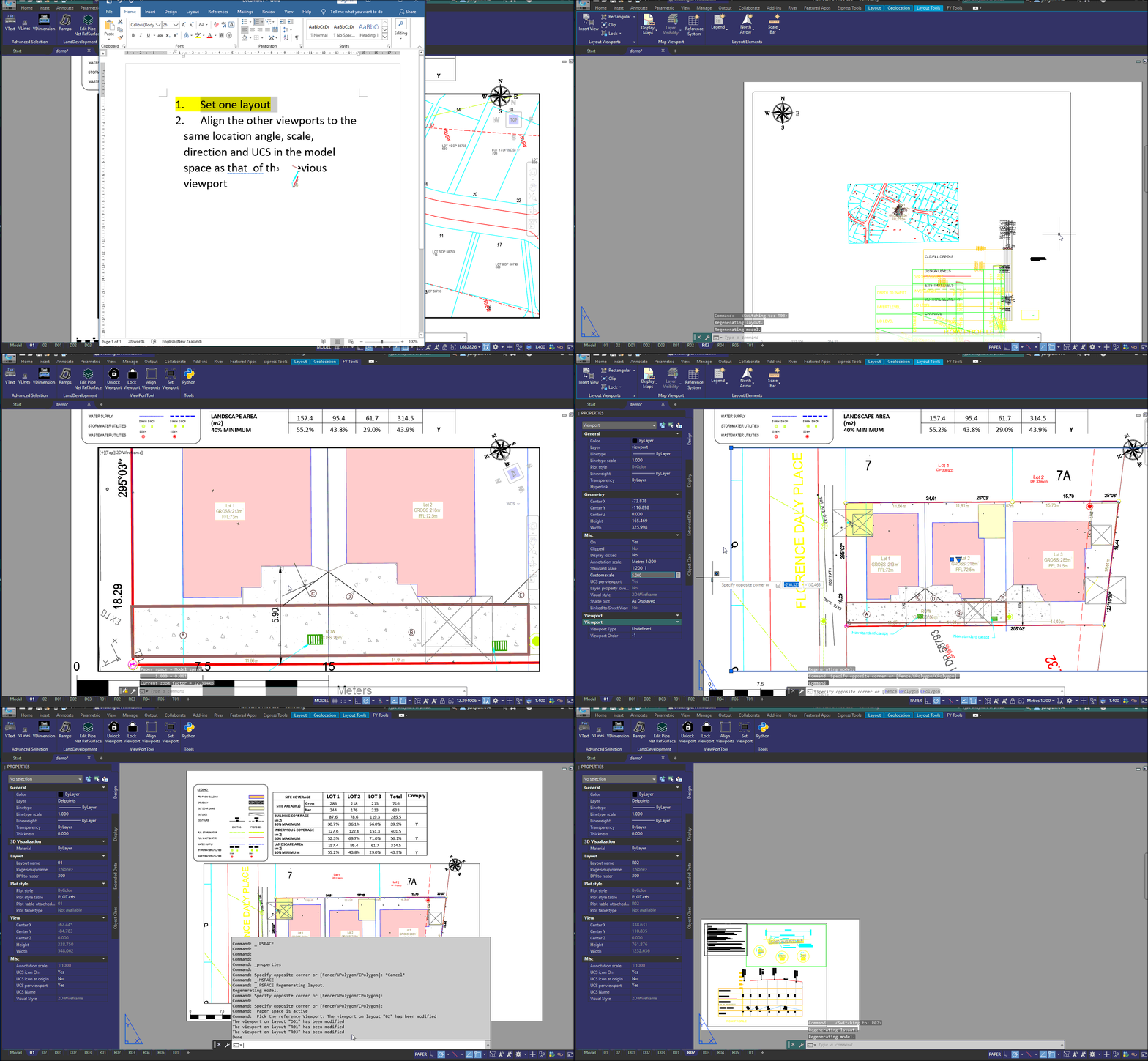
Mostly we have different plans such as drainage or driveway plan on same site, in various viewports. We need to relocate the site in the viewports one by one, However, with this function, we can adjust multiple viewports at the same time. Check the followed figure.